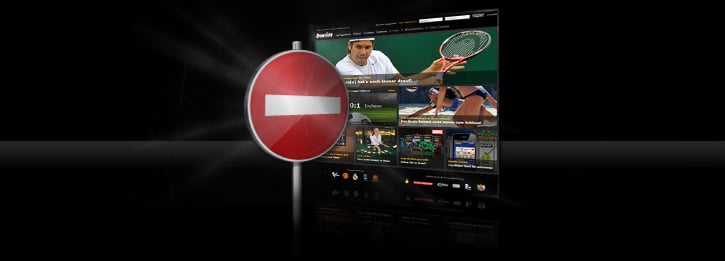
Dear visitor!
The services of this website are unfortunately not available for customers residing in your country. Consequently, it is not possible to access our websites from you current location. Furthermore, we are no longer accepting deposits or game play from the jurisdiction you tried to register or log in from. If you have a real-money account, your balance is accessible and you can withdraw it through a request to support@ladbrokes.com. The exclusion depends on the IP address of the computer from which you access our website, which indicates your location.
We regret to say that we are currently obliged to block your access to our website for as long as you are accessing it from within this country.
Your Ladbrokes team
Frequently asked questions (FAQ)
How can you tell where I am currently located?
Our software locates your current position based on your current IP address. Insofar as the IP address can be attributed to your country, we are regrettably obliged to exclude you from using our line-up of games.
What is an IP address?
An IP address is an address in computer networks which – just like the internet for instance – is based on the Internet Protocol (IP). Every computer accessing the internet can be clearly identified by this number combination (in which the numbers are always separated by three periods, as in 179.89.72.9).
How reliable is the Geo-IP technology?
Unfortunately, the Geo-IP technology system does not warrant 100% precision when determining your location. We will improve the accuracy of the Geo-IP technology system by providing ongoing updates. If you are incorrectly identified by the Geo-IP software as being in a country which is not your correct location, or you are in a country which is not excluded from our product line-up, please contact our Customer Service team so that we can further improve the accuracy of our Geo-IP technology system.